
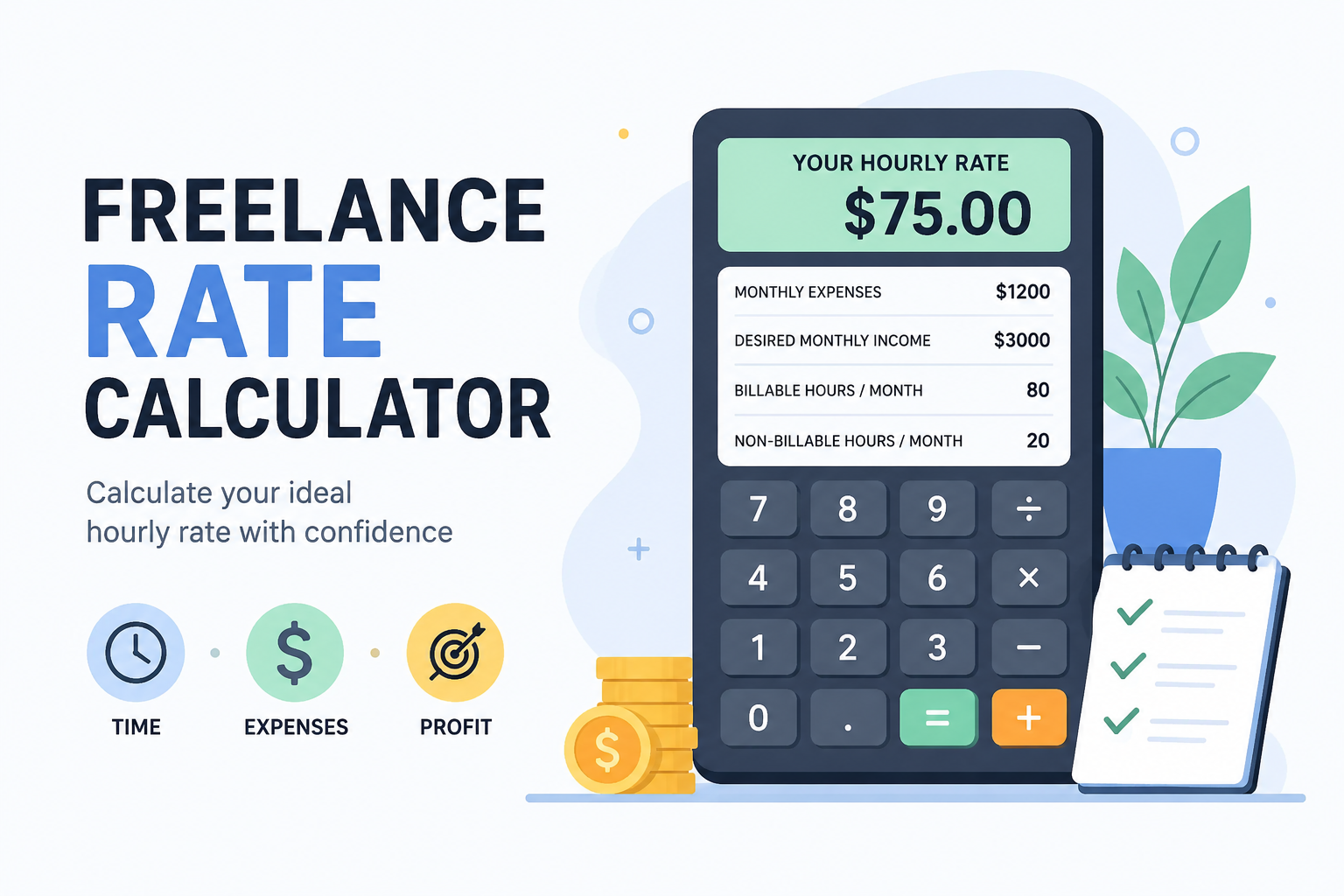

Free Freelance Rate Calculator: Find Your Ideal Hourly Rate
If you’ve ever stared at an Upwork proposal box trying to decide what to charge, you already know the problem. Pick a number too low, and you’re working long hours for not much money. Pick a number too high, and you might lose the client before you even start the conversation. This is exactly why a freelance rate calculator is one of the most useful tools any freelancer can have bookmarked.
Most beginners guess their hourly rate. They look at what other freelancers charge, copy a number, and hope it works out. The problem with guessing is that it ignores your actual expenses, your tax situation, and how many hours you can really work in a month without burning out. A proper rate calculator fixes that by working backward from your real income goal.
In this article, you’ll learn what this tool does, how it works, and you can use the free calculator below right now to get your own number in under a minute.
What Is a Freelance Rate Calculator?
A freelance rate calculator is a simple tool that takes a few numbers from you — your income goal, your monthly expenses, and your available working hours — and tells you what you should charge per hour to hit that goal.
It’s different from just dividing your old salary by 2,080 hours (the typical “convert my salary to hourly rate” trick). That method ignores something important: as a freelancer, you don’t get paid for every hour you work. You spend time on unpaid work too — finding clients, writing proposals, handling admin, dealing with revisions. A real freelance rate calculator accounts for that gap.
How Does the Freelance Rate Calculator Work?
The tool below uses a basic but reliable formula that professional freelancers and consultants have used for years:
- It takes your desired monthly income (what you actually want to take home or earn).
- It adds your monthly business expenses (software subscriptions, internet, a portion of rent if you work from home, equipment costs, etc.).
- It divides that total by your billable hours per month — not your total working hours, but only the hours you can actually bill a client for.
The result is your minimum hourly rate. Many freelancers then add a buffer of 10–20% on top for taxes, slow months, or unexpected gaps between projects.
Try the Free Freelance Rate Calculator
🧮 Freelance Rate Calculator
Fill in your numbers below and click calculate.
Step-by-Step Usage Guide
Here's exactly how to use the calculator above to get an accurate number for your own freelance work:
- Enter your desired monthly income. This is what you want to actually earn after expenses — not your total revenue. Think about your living costs and what you'd be happy taking home.
- Pick your currency. The tool supports USD, PKR, EUR, GBP, and INR so you can see the number in your own currency.
- Add your monthly business expenses. This includes things like Canva Pro, a portion of your internet bill, a co-working space fee, or any tools you pay for to do your freelance work.
- Set your working days and billable hours per day. Be honest here. If you work 5 days a week but only spend 4 hours actually doing client work (the rest is admin, pitching, or breaks), enter 4 — not 8.
- Add a safety buffer. Most freelancers add 10–20% to cover slow months, taxes, or client cancellations.
- Click "Calculate My Hourly Rate" and you'll instantly see your recommended rate.
Why This Freelance Rate Calculator Is Useful
There are a few reasons this kind of tool matters more than people expect:
- It removes guesswork. Instead of copying someone else's rate from a forum post, you get a number based on your own real costs and goals.
- It protects you from underpricing. A lot of new freelancers price themselves too low just to win their first few clients, then struggle to raise rates later. Starting with a calculated number avoids this trap.
- It accounts for unpaid hours. Unlike a salaried job, freelancing involves hours you don't get paid for directly — proposals, calls, revisions. This calculator builds that reality into the math.
- It adjusts as your life changes. Got a new expense? Want to work fewer days? Just plug in new numbers and get an updated rate in seconds.
Who Should Use This Tool?
This freelance rate calculator is useful for almost anyone earning money independently:
- New freelancers setting their very first hourly rate on Fiverr or Upwork
- Freelance writers, designers, and developers re-evaluating old rates that no longer cover their costs
- Virtual assistants and consultants who charge by the hour
- Anyone moving from a full-time job into freelancing and unsure how to convert a salary into an hourly number
- Freelancers planning to raise their rates and wanting a number backed by actual math, not just a guess
A Quick Example
Let's say you want to earn $1,000 a month, your monthly tools and software cost $80, you work 20 days a month, and you can realistically bill 4 hours a day to clients. With a 15% buffer for slow months, your calculated rate would land somewhere around $19–20 per hour. That's a very different (and more accurate) number than just guessing "$15 sounds reasonable."
| Input | Example Value |
|---|---|
| Desired monthly income | $1,000 |
| Monthly expenses | $80 |
| Working days/month | 20 |
| Billable hours/day | 4 |
| Buffer | 15% |
| Result | ~$19.55/hour |
Common Mistakes Freelancers Make With Pricing
Before you settle on a final number, watch out for these common pricing mistakes:
- Counting every working hour as billable. If you work 8 hours a day but only 4 are spent on actual paid client work, your rate needs to reflect that gap.
- Forgetting taxes entirely. Depending on where you live, you may owe a meaningful chunk of your income in taxes. The buffer field in the calculator helps cover this, but it's worth checking your local tax rules too.
- Never updating the rate. Your first rate shouldn't be your rate forever. As your skills, demand, and expenses grow, recalculate every few months.
- Comparing rates across countries without context. A freelancer in one country may charge differently than one in another due to cost of living. Use your own numbers, not someone else's screenshot.
You May Also Like
Useful Resources
- Guest post backlink (add your site here)
- Relevant external authority link (if available) — for example, a link to a recognized freelancing platform's official pricing guide
Conclusion
Pricing your freelance work shouldn't feel like guesswork. A good freelance rate calculator takes the stress out of the process by turning your income goals, expenses, and available hours into one clear number. Use the free tool above whenever your situation changes — new expenses, fewer working days, a higher income goal — and you'll always have a rate that actually makes sense for your life, not someone else's.