
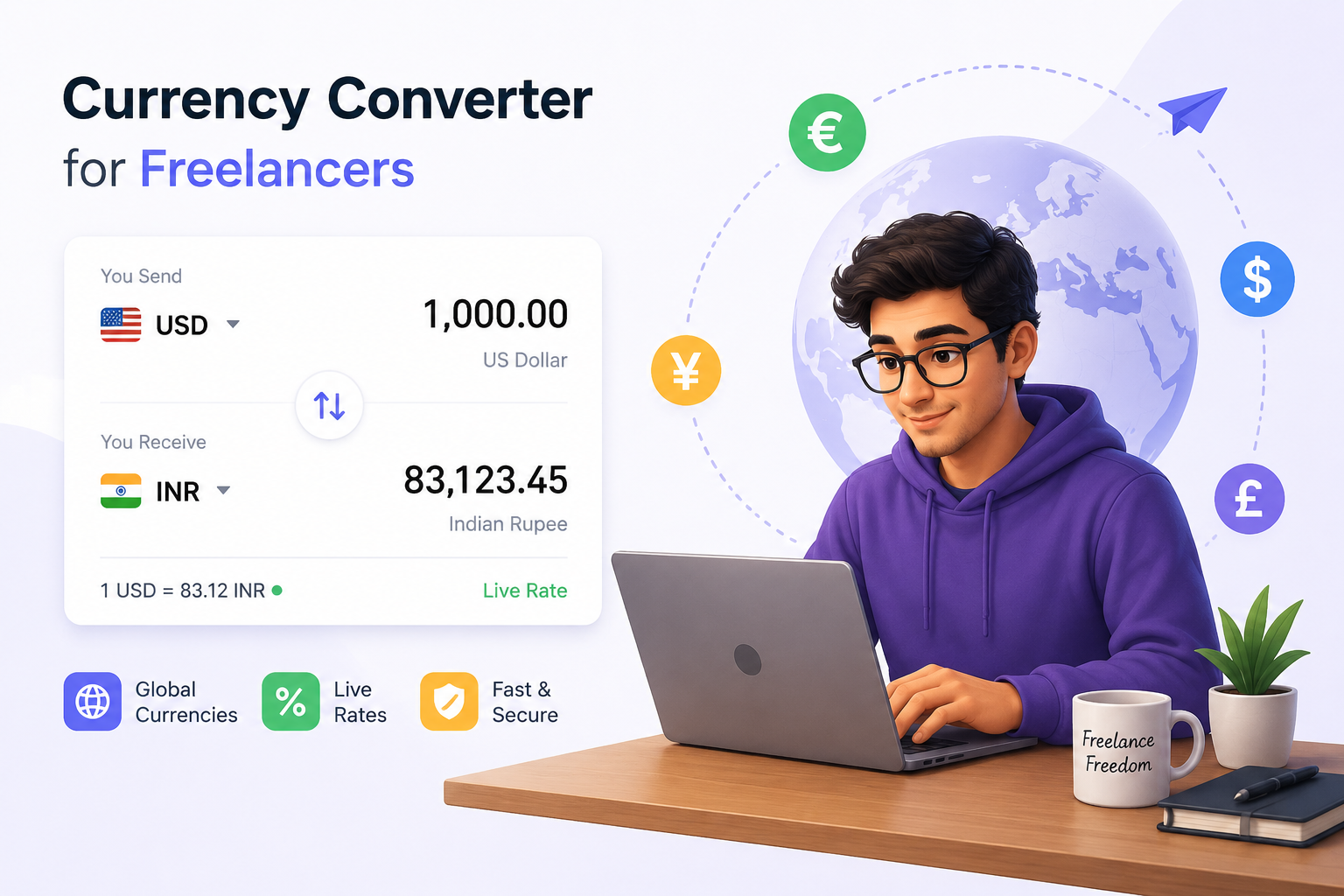

Free Currency Converter for Freelancers (USD to PKR & More)
If you freelance for international clients, you already know the constant question that pops into your head every time a payment lands: “Okay, but how much is that actually in my currency?” This is where a good currency converter for freelancers becomes one of those small tools you end up using almost daily.
Whether you’re quoting a project in USD, checking what a $500 Upwork payment turns into in PKR, or comparing rates across a few currencies before sending an invoice, having a quick converter saves you from opening five browser tabs just to do simple math.
In this article, we’ll cover what this tool does, how freelancers actually use it in real situations, and you can try the free converter below right now.
What Is a Currency Converter for Freelancers?
A currency converter for freelancers is a simple calculation tool that converts an amount from one currency into another using an exchange rate. Unlike a generic currency converter built for tourists or travelers, this version is designed around the situations freelancers actually deal with — converting client payments, comparing international rates, and figuring out real take-home value after a platform takes its cut.
It’s especially useful for freelancers in Pakistan, India, the Philippines, and other countries where most clients pay in USD, EUR, or GBP, but daily expenses are in the local currency.
How Does the Currency Converter Work?
The tool below works in a straightforward way:
- You enter the amount you received or want to convert.
- You choose the currency you’re converting from (for example, USD).
- You choose the currency you’re converting to (for example, PKR).
- The tool applies the exchange rate and instantly shows you the converted value.
Because exchange rates shift daily, this tool uses an editable rate field — meaning you can plug in today’s actual rate (which you can quickly check from your bank, Payoneer, or a financial news site) and get a precise conversion rather than relying on an outdated number.
Try the Free Currency Converter
💱 Currency Converter for Freelancers
Enter the amount and the current exchange rate to convert instantly.
Step-by-Step Usage Guide
- Enter the amount you want to convert — this could be a payment you just received, a project quote, or an amount you’re planning to invoice a client.
- Select the currency you’re converting from. Most freelance clients pay in USD, EUR, or GBP.
- Select the currency you’re converting to. This is usually your local currency, like PKR or INR.
- Check today’s exchange rate. You can find this on your bank’s app, Payoneer dashboard, Wise, or a quick search. Enter that number into the rate field.
- Click “Convert Now” and you’ll instantly see the converted amount.
Tip: Bookmark this page so you can do a quick conversion any time a client sends a payment or asks for a quote in their local currency.
Why Freelancers Need a Currency Converter
- International clients pay in their currency, not yours. Most freelance platforms like Upwork, Fiverr, and direct clients pay in USD, EUR, or GBP by default.
- Exchange rates change daily. What $1 was worth last month in your local currency may be different today. A converter keeps your math current.
- It helps with quoting projects. If a client asks “how much in USD,” you can quickly work backward from your local currency rate to give an accurate quote.
- It avoids awkward surprises. Knowing the real converted value before you accept a project helps you decide if the rate actually works for your cost of living.
Who Should Use This Tool?
- Freelancers receiving international payments through Payoneer, Wise, or PayPal
- Fiverr and Upwork sellers who need to understand their real local earnings
- Remote workers being paid in USD while living in a different country
- Small business owners quoting international clients
- Anyone comparing freelance rates across different currencies before accepting a project
A Quick Example
Imagine a client pays you $500 for a project. If the exchange rate that day is 1 USD = 278.50 PKR, this converter instantly tells you that’s roughly 139,250 PKR. Without checking, many freelancers either underestimate or overestimate their real local earnings — which can affect budgeting and saving decisions.
| Amount | From | Rate | To | Result |
|---|---|---|---|---|
| 500 | USD | 278.50 | PKR | 139,250 PKR |
| 1000 | USD | 278.50 | PKR | 278,500 PKR |
A Note on Exchange Rate Accuracy
This tool uses whatever rate you type in, which means the accuracy depends entirely on using an up-to-date number. Exchange rates can shift throughout the day, especially during volatile economic periods. Before invoicing a client or making a financial decision, always pull the latest rate from a reliable source like your bank, Payoneer, Wise, or a trusted financial site.
You May Also Like
Useful Resources
- Guest post backlink (add your site here)
- Relevant external authority link (if available) — for example, a link to a recognized financial exchange rate provider
Conclusion
A reliable currency converter for freelancers takes the guesswork out of international payments. Instead of mentally estimating or searching multiple sites, you get a quick, clear number you can trust for invoicing, budgeting, or comparing rates. Use the free tool above any time you need a fast conversion, and always double-check the live rate before making important financial decisions.