
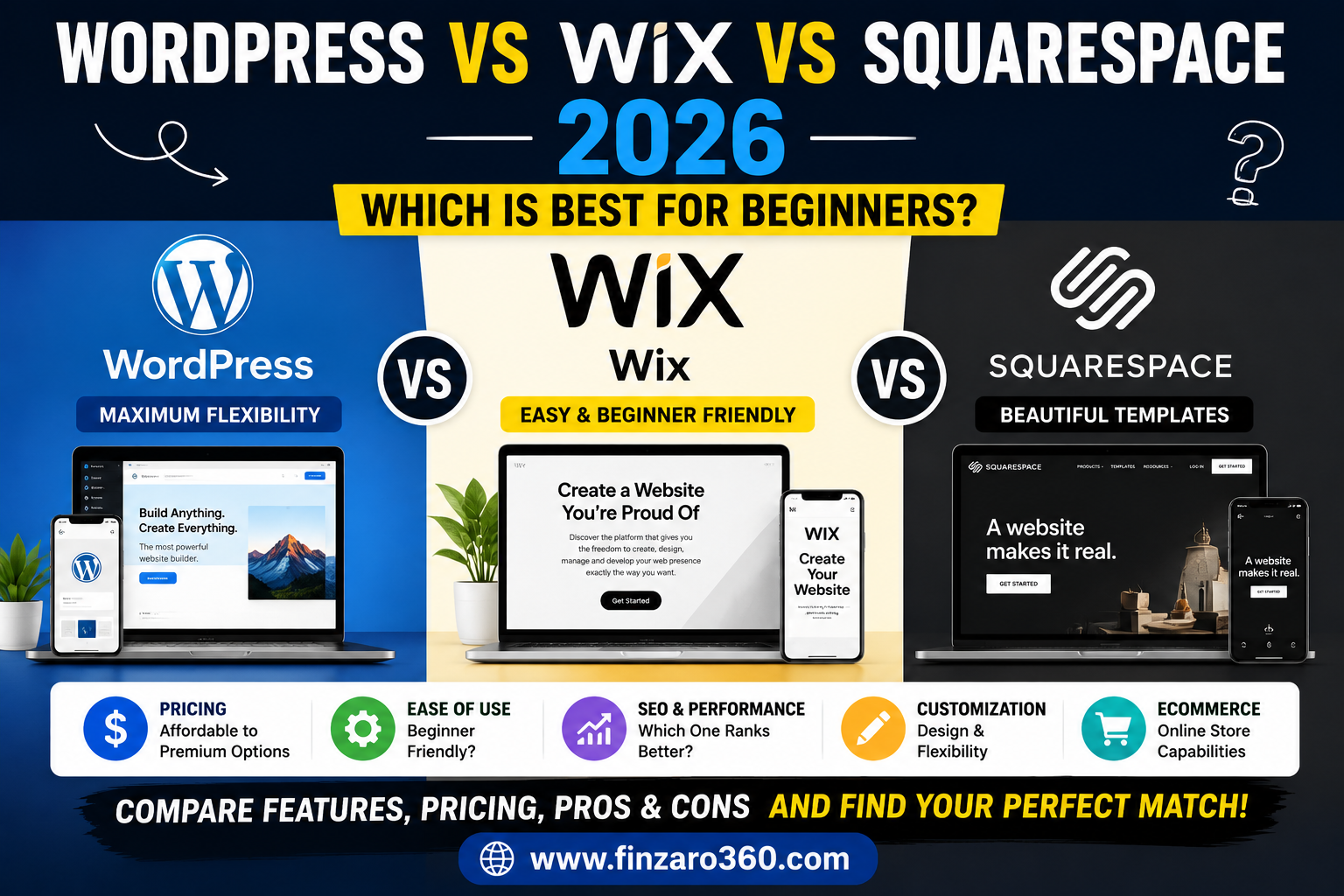

WordPress vs Wix Vs Squarespace 2026.
You’ve decided to build a website or start a blog — now comes the question that confuses almost every beginner: Which platform should I use? WordPress, Wix, and Squarespace are the three most popular choices, and each has genuine strengths and real limitations.
This guide gives you an honest, complete comparison so you can choose the right platform for your specific goals — whether that’s a blog, business website, online store, or portfolio.
Quick Comparison Table
| Feature | WordPress.org | Wix | Squarespace |
|---|---|---|---|
| Type | Self-hosted CMS | Hosted website builder | Hosted website builder |
| Cost | ~$3–10/mo (hosting only) | $17–$35/mo | $16–$49/mo |
| Free Plan | Software is free (pay hosting) | Yes (limited, Wix ads) | 14-day trial only |
| Ease of Use | Moderate learning curve | Very easy (drag & drop) | Easy (template-based) |
| Design Flexibility | Unlimited | High | Moderate (within templates) |
| SEO Capability | Best-in-class | Good | Good |
| Blogging | Excellent | Good | Good |
| eCommerce | Excellent (WooCommerce) | Good | Good (higher plans) |
| Plugins/Apps | 60,000+ plugins | 350+ apps | ~40 extensions |
| Ownership | You own everything | Wix owns your platform | Squarespace owns platform |
| Monetization Options | Unlimited | Moderate | Moderate |
| Best For | Serious blogs, business, SEO | Simple business sites | Portfolios, creative brands |
WordPress.org — The Most Powerful Option
Important distinction: This review covers WordPress.org (self-hosted, free software) — not WordPress.com (hosted service). WordPress.org is what 43% of all websites on the internet use, including major news sites, online stores, and top-earning blogs.
How WordPress.org Works
You download the free WordPress software and install it on web hosting you pay for separately. This gives you complete control over your website — you own everything, can customize anything, and are not locked into any platform’s restrictions.
WordPress Pros:
- Best SEO of any platform — Rank Math and Yoast SEO plugins give you complete control over every technical SEO element
- 60,000+ free and premium plugins — add any feature imaginable: e-commerce, memberships, forums, booking systems
- Unlimited customization — thousands of themes, custom code, no restrictions
- Own your data completely — your site can never be deleted or restricted by a platform decision
- Best for monetization — AdSense, affiliate marketing, WooCommerce, digital products, memberships
- Lowest long-term cost — hosting starts at $2–$3/month with Hostinger or SiteGround
- Largest community — more tutorials, support forums, and developers available than any other platform
WordPress Cons:
- Learning curve — takes 1–2 weeks to become comfortable for total beginners
- You manage updates and security — plugins, themes, and WordPress core need regular updates
- Can slow down with too many plugins — requires caching and optimization
- Requires choosing hosting, domain, and theme separately — more initial setup steps
Verdict: If you are serious about blogging, SEO, or building a business online — WordPress.org is the correct choice. The learning curve is worth it. Our complete guide to starting a blog in 2026 uses WordPress as the recommended platform and walks you through every step.
Rating: 4.9/5 for serious use
Wix — The Easiest Way to Build a Website
Wix is a cloud-based website builder where everything is hosted for you. You drag, drop, and customize a template in your browser — no installation, no hosting management, no technical knowledge required.
Wix Pros:
- Easiest to use — true drag-and-drop interface, no learning curve
- Fast to launch — a basic site can be live in 1–2 hours
- Wix ADI — AI website builder that creates a complete site from a few questions
- All-in-one — hosting, domain, and builder in one subscription
- 350+ apps in the Wix App Market
- Good for beginners who just need an online presence quickly
Wix Cons:
- Can’t change template after your site is live without rebuilding from scratch
- More expensive than WordPress for equivalent features ($17–$35/month)
- Weaker SEO than WordPress — limited technical SEO control
- Not fully ownable — Wix controls your hosting, and your site cannot be migrated off the platform easily
- Limited scalability — grows restrictive as your site becomes more complex
- Free plan has Wix ads on your site — looks unprofessional
Verdict: Wix is excellent for small business websites, service pages, and simple portfolios where you need something online quickly without technical effort. Not recommended for serious bloggers or SEO-focused sites.
Rating: 3.8/5
Squarespace — The Most Beautiful Templates
Squarespace is known for its stunning, professionally designed templates. It is a fully hosted platform aimed at creative professionals, photographers, designers, and small businesses who prioritize visual aesthetics.
Squarespace Pros:
- Most beautiful templates — professionally designed, consistently visually impressive
- Built-in analytics — clean, easy-to-read traffic and revenue data
- Strong eCommerce on higher plans — good for physical and digital product sellers
- Reliable hosting — no maintenance or updates required
- Great for portfolios — photographers, designers, artists love Squarespace
- 24/7 customer support
Squarespace Cons:
- Most expensive of the three for comparable features ($16–$49/month)
- No free plan — only a 14-day trial
- Limited app/plugin ecosystem — ~40 extensions vs WordPress’s 60,000
- Less flexible for blogging and SEO than WordPress
- Template changes require rebuilding
- Steeper learning curve than Wix for beginners
Verdict: Squarespace is ideal for photographers, artists, designers, and creative professionals who need a visually impressive portfolio or small business site. Not recommended for bloggers focused on SEO or income generation.
Rating: 4.0/5 for its target audience
SEO Comparison: Which Platform Ranks Best on Google?
If your goal is to get traffic from Google — which it should be if you want to earn money online — SEO capability is the most important factor in your platform choice.
| SEO Feature | WordPress | Wix | Squarespace |
|---|---|---|---|
| Custom meta title/description | Full control | Basic control | Basic control |
| Schema markup | Plugins (full control) | Limited | Limited |
| Page speed optimization | Full control (caching plugins) | Moderate | Moderate |
| XML sitemap | Auto-generated (plugin) | Auto-generated | Auto-generated |
| robots.txt editing | Full control | Limited | Very limited |
| Core Web Vitals control | Full control | Limited | Limited |
| URL structure | Full control | Partial control | Partial control |
Clear winner for SEO: WordPress — by a significant margin. To understand how to maximize SEO on WordPress, read our guides on On-Page SEO Complete Checklist 2026 and Schema Markup for WordPress in 2026.
Cost Comparison Over 3 Years
| Platform | Year 1 | Year 2 | Year 3 | 3-Year Total |
|---|---|---|---|---|
| WordPress (Hostinger) | $36 (hosting + domain) | $36 | $36 | ~$108 |
| Wix (Core plan) | $204 | $204 | $204 | ~$612 |
| Squarespace (Basic) | $192 | $192 | $192 | ~$576 |
WordPress costs 5–6x less than Wix or Squarespace over 3 years while providing more features and better SEO. The savings alone can fund your blog’s content, tools, and marketing.
Which Platform is Right for You?
| Your Goal | Best Platform |
|---|---|
| Start a blog to make money | WordPress.org |
| Rank on Google with SEO | WordPress.org |
| Build an online store | WordPress.org (WooCommerce) |
| Quick simple business website | Wix |
| Portfolio for creative professionals | Squarespace |
| No technical experience whatsoever | Wix (to start) → WordPress (to scale) |
| Affiliate marketing blog | WordPress.org |
| Photographer or artist portfolio | Squarespace |
Frequently Asked Questions (FAQ)
Can I switch from Wix to WordPress later?
Yes, but it is not easy. Wix does not allow exporting your full site. You would need to manually move content, rebuild your design, and redirect URLs. This is why choosing the right platform from the start matters — especially if you plan to grow.
Is WordPress.org really free?
The WordPress software is 100% free. You pay for web hosting (where your website files live) — typically $2–$10/month depending on the provider. You also pay for a domain name (~$10–15/year). Total cost is much lower than Wix or Squarespace.
Which platform is best for AdSense approval?
WordPress is the best platform for Google AdSense approval because it gives you full control over your site structure, privacy policy, contact page, and content organization — all of which AdSense reviewers check. Read our complete AdSense approval guide for 2026 for a step-by-step checklist.
Is Wix good for SEO?
Wix has improved its SEO significantly since 2020. Basic on-page SEO (title tags, meta descriptions, alt text) is fully supported. However, advanced technical SEO — schema markup, Core Web Vitals optimization, custom robots.txt — remains limited compared to WordPress.
What hosting should I use with WordPress?
For beginners: Hostinger (cheapest, ~$2–$3/month) or SiteGround (faster, better support, ~$4–$5/month). Both offer one-click WordPress installation. Avoid shared hosting from very cheap unknown providers — site speed affects your Google rankings.
Can I make money on all three platforms?
Yes — but WordPress gives the most monetization flexibility. WordPress supports every ad network, every affiliate setup, every digital product plugin, and WooCommerce for eCommerce. Wix and Squarespace have restrictions on certain monetization methods and earn lower ad revenue due to weaker SEO-driven traffic.
⚠️ Disclaimer
This article is for informational and educational purposes only. Platform pricing, features, and plans change frequently — always verify current details on each platform’s official website before purchasing. This article may contain affiliate links; Finzaro360 may earn a commission on purchases at no extra cost to you. Affiliate relationships do not influence our comparisons or recommendations. Read our full Disclaimer and Privacy Policy.
Published by Finzaro360 | Learn. Earn. Grow Online.