
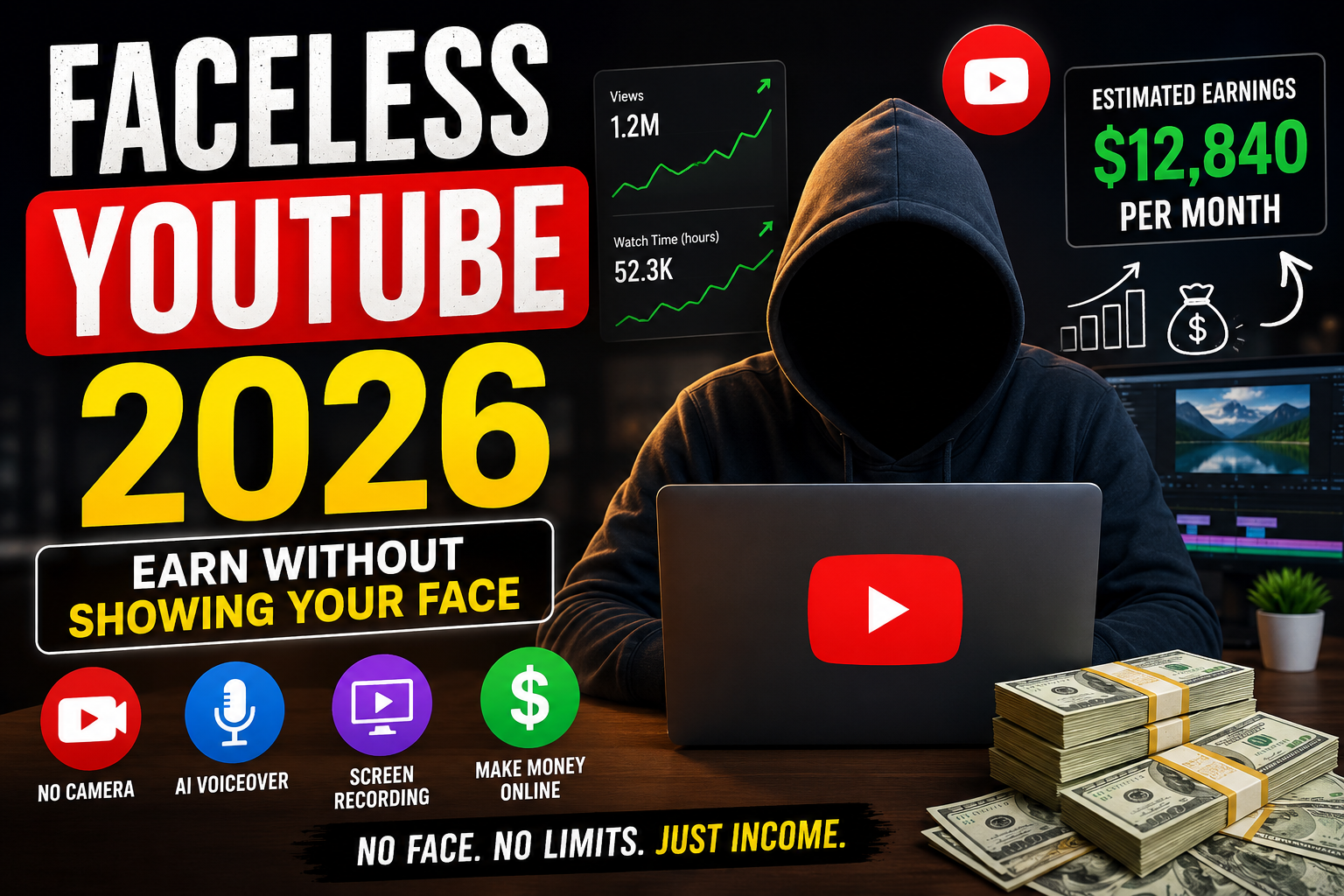

How to Make Money on YouTube.
What if you could build a YouTube channel earning $3,000–$30,000 per month — without ever appearing on camera, without revealing your identity, and without expensive video equipment?
This is exactly what thousands of “faceless YouTube” creators are doing in 2026. Thanks to AI voice tools, stock footage platforms, and screen recording software, launching a successful faceless channel has never been easier or cheaper.
This guide gives you the complete step-by-step system — from choosing your niche to getting monetized to scaling to full-time income.
What Is a Faceless YouTube Channel?
A faceless YouTube channel is one where the creator never appears on screen. Instead, videos use a combination of:
- Screen recordings or slideshows
- Stock footage and animations
- AI-generated voiceovers or text-to-speech
- Whiteboard-style animations
- Gameplay footage (for gaming channels)
Some of the largest YouTube channels in the world are faceless — and their creators are completely anonymous.
Why Faceless YouTube Works So Well in 2026
- ✅ No camera anxiety — perfect for introverts or camera-shy creators
- ✅ Scale faster — you can outsource video creation to a team without brand dependency on your face
- ✅ Low startup cost — a microphone and free editing software is enough to start
- ✅ AI tools do the heavy lifting — scripts, voiceovers, thumbnails, and even video editing can be AI-automated
- ✅ Multiple channels — you can run 3–5 faceless channels simultaneously since no filming is required
Step 1: Choose a Profitable Faceless Niche
Your niche determines your ad revenue (CPM), audience size, and monetization potential. Here are the best faceless niches ranked by earnings:
Top Faceless YouTube Niches in 2026:
| Niche | Avg CPM | Competition | Content Type |
|---|---|---|---|
| Personal Finance | $15–$40 | Medium | Screen recording, slides |
| AI Tools & Tech | $12–$35 | Medium | Screen recording, tutorials |
| Cryptocurrency | $10–$30 | Medium-High | Charts, screen recording |
| Motivational / Self-Help | $5–$15 | High | Stock footage + voiceover |
| History / Documentary | $4–$12 | Medium | Stock footage + narration |
| True Crime | $5–$14 | High | Stock footage + narration |
| Meditation / Relaxation | $3–$10 | Low | Ambient visuals + music |
| Cooking Tutorials | $4–$10 | Medium | Overhead food shots |
| Software Tutorials | $8–$25 | Low-Medium | Screen recording |
| Listicle / Facts Videos | $4–$12 | High | Stock footage + text |
Best for beginners: Finance + AI tutorials. High CPM, screen recording only (no stock footage needed), and massive audience demand in 2026.
Step 2: Set Up Your YouTube Channel
- Create a Google account (can be anonymous/business account)
- Go to YouTube Studio → Create Channel
- Choose a brandable channel name (not your real name)
- Create a professional logo using Canva (free)
- Write a compelling channel description with your target keywords
- Set up channel art (2560 × 1440px banner)
- Add channel trailer (optional but recommended)
Step 3: Create Your Videos (Full Workflow)
The Faceless Video Creation Workflow:
1. Script Writing
Write a script for every video. A 10-minute video needs approximately 1,400–1,600 words. Use AI tools to speed this up dramatically:
- Claude AI – Best for writing engaging, natural-sounding scripts
- ChatGPT – Great for brainstorming and outlines
Check out our comparison of ChatGPT vs Claude vs Gemini vs Grok in 2026 to pick the best AI writing tool for your workflow.
2. Voiceover Recording or AI Voice
Option A — Record yourself: Use a $30–$50 USB microphone (Blue Snowball, FIFINE). Clean audio matters more than video quality on YouTube.
Option B — AI Voiceover: Use these tools to generate realistic human-sounding voices:
- ElevenLabs – Best AI voice quality. Free plan available (10,000 chars/month)
- Murf AI – 120+ voices, great for tutorials
- Speechify – Fast and natural-sounding
3. Video Visuals
Choose your visual format based on niche:
- Screen recording: OBS Studio (free) or Camtasia for finance/tech tutorials
- Stock footage: Pexels (free), Pixabay (free), Storyblocks ($15/month unlimited)
- AI-generated visuals: Runway ML, Pika Labs for custom AI video clips
- Slides/Presentations: Canva, Google Slides — great for “listicle” style videos
4. Video Editing
- DaVinci Resolve – Professional quality, 100% free
- CapCut – Easiest for beginners, free, has AI features
- Adobe Premiere Pro – Industry standard, $23/month
5. Thumbnail Design
Thumbnails are the #1 factor in click-through rate. Use Canva Pro for professional templates. Keep text under 5 words. Use bright contrasting colors. Show a clear “emotion” or curiosity gap.
Step 4: YouTube SEO — How to Rank Your Videos
YouTube is the world’s second-largest search engine. Optimize every video like a blog post:
YouTube SEO Checklist:
- ✅ Include target keyword in video title (first 60 characters)
- ✅ Write 300+ word description with keyword in first 2 sentences
- ✅ Add 5–8 relevant tags including exact-match keyword
- ✅ Create chapters (timestamps) — boosts watch time and SEO
- ✅ Add subtitles/captions — YouTube indexes the words spoken
- ✅ Use a custom thumbnail (never use auto-generated)
- ✅ Include keyword in filename before uploading (e.g., how-to-invest-2026.mp4)
- ✅ Post to a consistent schedule (2–3 videos/week minimum for fast growth)
Step 5: YouTube Monetization Methods
Method 1: YouTube Partner Program (Ad Revenue)
Requirements: 500 subscribers + 3,000 watch hours in 12 months (lowered threshold for basic monetization in 2024). For full ad revenue: 1,000 subscribers + 4,000 watch hours.
Average earnings: $2–$15 per 1,000 views depending on niche. Finance channels earn $15–$40 RPM.
Method 2: Affiliate Marketing
Promote products in your video descriptions and earn commission on every sale. This is often 5–10x more profitable than ad revenue alone. We’ve reviewed the best affiliate programs for beginners in 2026 — many are perfect for YouTube creators.
Method 3: Sponsored Videos
Brands pay directly for sponsored mentions in your videos. Rates: $200–$5,000+ per sponsored segment depending on your subscriber count and niche. Finance and tech niches command the highest rates.
Method 4: Sell Your Own Products
Use your YouTube audience to sell ebooks, courses, templates, or consulting services. A YouTube channel is one of the best “trust-building” platforms for selling digital products.
Method 5: Channel Memberships
Once you hit 500 subscribers, enable channel memberships. Fans pay $2–$20/month for exclusive perks like early access, bonus content, and community posts.
Realistic Income Timeline for Faceless YouTube
| Month | Subscribers | Monthly Views | Estimated Income |
|---|---|---|---|
| 1–3 | 0–200 | 500–5,000 | $0 (pre-monetization) |
| 3–6 | 200–1,000 | 5,000–20,000 | $50–$300/mo |
| 6–12 | 1,000–10,000 | 20,000–100,000 | $300–$2,000/mo |
| 12–18 | 10,000–50,000 | 100K–500K | $2,000–$10,000/mo |
| 18–24 | 50,000–200,000 | 500K–2M | $10,000–$30,000+/mo |
Note: Finance and AI niche channels earn 3–5x the average due to high CPM rates. Consistency is the single biggest factor in how fast you grow.
Best Free AI Tools for Faceless YouTube (2026 Stack)
- Claude or ChatGPT – Script writing (free plans available)
- ElevenLabs – AI voiceover (free: 10K chars/month)
- Canva – Thumbnails and graphics (free plan excellent)
- OBS Studio – Screen recording (100% free)
- DaVinci Resolve – Video editing (100% free)
- Pexels / Pixabay – Free stock footage
- TubeBuddy or VidIQ – YouTube SEO research (free basic plan)
You can start a complete faceless YouTube channel with $0 investment using only free tools.
Common Mistakes New Faceless YouTubers Make
- ❌ Uploading inconsistently — YouTube’s algorithm rewards channels that post regularly
- ❌ Ignoring thumbnails — A bad thumbnail kills even great videos
- ❌ Targeting too broad keywords — Start with long-tail, low-competition searches
- ❌ Poor audio quality — Viewers tolerate mediocre video but not bad audio
- ❌ Giving up before 50 videos — Most channels don’t see real growth until 50–100 videos
- ❌ Not using chapters/timestamps — These dramatically improve watch time and SEO
Final Verdict: Is Faceless YouTube Worth It in 2026?
Absolutely — but only if you’re consistent. The biggest faceless YouTube earners are not the most talented. They are the most consistent. They publish 2–3 videos per week, optimize every video for search, and treat it like a business from day one.
Pick your niche today. Create your first video this week — even if it’s imperfect. The only way to fail is to never start.
Looking for more online earning ideas? Check out our complete guide on how to make money with AI freelancing in 2026, and explore 17 passive income ideas to build multiple income streams alongside your YouTube channel.
Published by Finzaro360 | Learn. Earn. Grow Online.