Free Freelance Invoice Generator – Create Professional Invoices Online in Seconds | Finzaro360

Free Freelance Invoice Generator — Create Professional Invoices in Seconds
One of the most common problems freelancers face — especially beginners — is looking unprofessional when it comes time to ask for payment. Sending a payment request over WhatsApp or a rough Word document doesn’t inspire confidence in clients. A clean, professional invoice does.
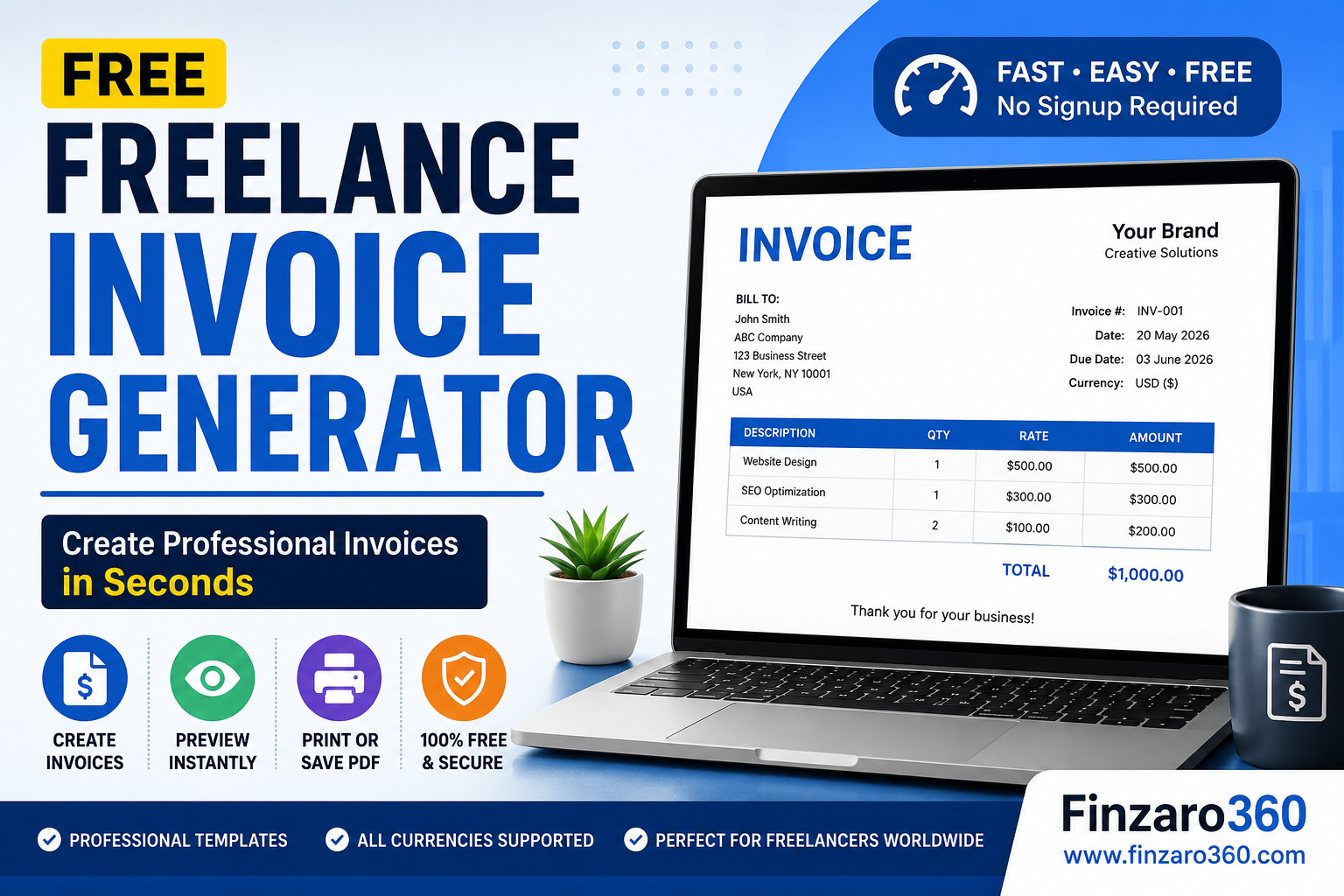
We built this free tool so you can create a polished, ready-to-send invoice in under two minutes. No signup, no watermarks, no paid plan required. Fill in your details, preview, and print or save as PDF.
⚡ Invoice Generator — Fill Your Details
Your (Freelancer) Details
Client Details
Invoice Details
Services / Line Items
Additional Notes (optional)
| Description | Qty | Rate | Amount |
|---|---|---|---|
| Total | |||
Why Every Freelancer Needs Proper Invoices
A lot of new freelancers treat invoicing as an afterthought. They finish the work, send a WhatsApp message with the amount, and wait. Sometimes it works. More often, it leads to confusion, delayed payments, or disputes about what was agreed.
A proper invoice does several important things: it clearly defines what was delivered, what the payment amount is, when it’s due, and how to pay. It creates a paper trail that protects both you and the client.
As your freelance business grows, having organized invoices also makes tax filing significantly easier. For Pakistani freelancers specifically, documented income records are essential when filing with FBR. Read our complete guide: Freelancing Kaise Shuru Karein Pakistan 2026.
What to Include in Every Freelance Invoice
A professional invoice should always have these elements:
- Your name and contact information — so the client knows who to pay
- Client’s name and address — for formal record-keeping
- Unique invoice number — for tracking and tax purposes
- Invoice date and due date — usually net-14 or net-30
- Itemized list of services — what you did, how many hours or units, and at what rate
- Total amount due — in the agreed currency
- Payment method — Payoneer, bank transfer, Binance Pay, etc.
How to Get Paid Faster as a Freelancer
Sending a great invoice is step one. Here’s how to make sure clients actually pay on time:
Always set a clear due date. “Payment due in 14 days” is better than “please pay soon.” Clients respond to specific deadlines.
Follow up 2 days before the due date. A quick, friendly reminder is not rude — it’s professional. Most late payments happen simply because the client forgot, not because they’re trying to avoid paying.
Consider partial upfront payment. For new clients, asking for 30–50% upfront before starting work is completely normal and protects you from non-payment.
Use multiple payment channels. The more ways a client can pay you, the faster you’ll get paid. Payoneer, Wise, Binance Pay, and bank wire are all worth having set up. If you don’t have a Binance account yet, create one here — it supports payments from clients worldwide.
Protect Your Business and Devices
As a freelancer, your laptop and internet connection are your entire business. Protecting them matters:
- Device insurance: CoverOn Insurance — protect your laptop, phone, and business equipment from accidents and theft.
- Online security: NordVPN — encrypt your connection when working from cafes or public WiFi.
More Free Tools on Finzaro360
- Monthly Budget Calculator
- Bitcoin Profit Calculator
- Free AI Prompt Generator
- AI SEO Audit Engine
- Crypto Position Size Calculator
Related Articles
- Fiverr Se Paise Kaise Kamayein 2026 Mein
- How to Make Money with AI Freelancing in 2026
- 15 Best Affiliate Programs for Beginners in 2026
Write for Us
Got tips, guides, or tools for freelancers? Write for Finzaro360 — we publish quality guest posts on Finance, AI Tools, and Online Earning.