
IYouTube SEO Tips to Increase Website Traffic
If you’ve ever uploaded a great video and watched it sit at 200 views with zero clicks to your website, you already know that YouTube SEO isn’t optional anymore. It’s the difference between a video that disappears and one that quietly sends traffic to your site for years.
In our pillar guide, How to Drive Organic Website Traffic from YouTube in 2026, we covered the big-picture strategy for turning YouTube into a traffic channel. This article goes deeper into the one piece that makes everything else possible: getting your videos found in the first place through smart YouTube SEO.
Let’s break down exactly what’s working right now.
Why YouTube SEO Matters More in 2026
YouTube is the world’s second-largest search engine, and its algorithm has shifted heavily toward intent-matching and viewer satisfaction signals rather than just keyword stuffing. That means old-school tactics — cramming keywords into titles or writing generic tags — no longer move the needle.
What matters now:
- Search intent alignment between your title and your content
- Watch time and audience retention
- Click-through rate (CTR) from search and suggested feeds
- Freshness and topical depth
- Structured metadata that helps YouTube understand context
If your videos aren’t optimized for these signals, you’re leaving traffic — and website visitors — on the table.
Step 1: Do Keyword Research the Right Way
Before you script a single video, find out what people are actually searching for.
Where to find YouTube keyword ideas:
- YouTube’s autosuggest bar (type your topic and see what populates)
- YouTube Analytics → Research tab (shows what your audience is searching for)
- Google Trends (filter by YouTube search)
- Competitor video titles and tags in your niche
- Third-party tools like TubeBuddy or VidIQ
Look for keywords with decent search volume but manageable competition. A keyword like “how to grow on YouTube” is brutally competitive. Something like “YouTube SEO tips for small channels 2026” is far more winnable.
Quick Keyword Checklist
| Check | Why It Matters |
|---|---|
| Appears in autosuggest | Confirms real search demand |
| Matches viewer intent | Reduces bounce, increases retention |
| Includes a timeframe (2026) | Signals freshness to the algorithm |
| Not oversaturated | Easier to rank for new/small channels |
Step 2: Optimize Your Video Title
Your title has two jobs: rank in search and earn the click. It needs to do both.
Best practices:
- Keep it under 60 characters so it doesn’t get cut off
- Put your primary keyword near the front
- Use numbers, brackets, or power words when it fits naturally (“5 Ways,” “[2026 Guide]”)
- Avoid clickbait that doesn’t match the content — it kills retention and hurts future rankings
A strong formula: [Keyword] + [Benefit or Outcome] + [Year/Context]
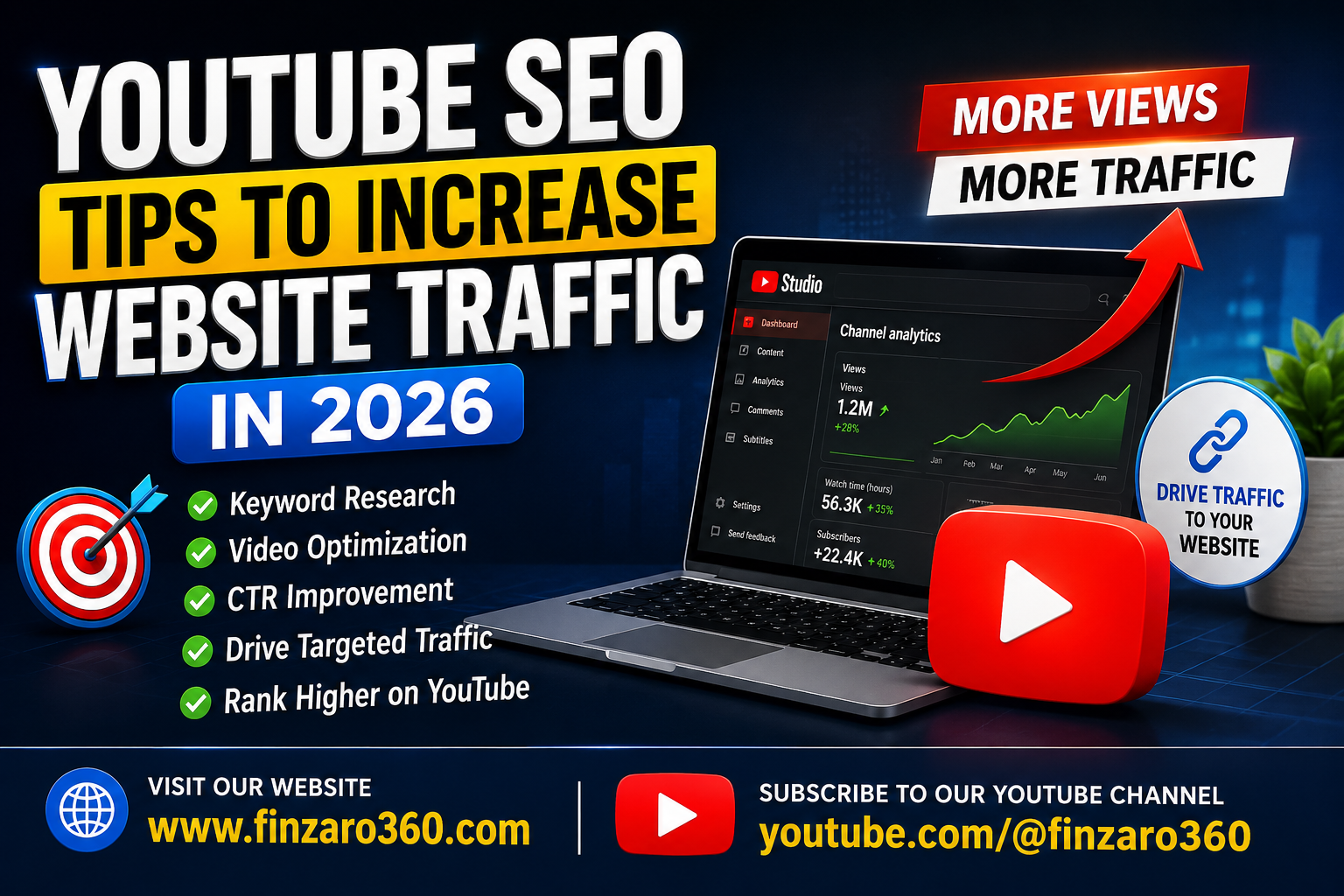
Example: “YouTube SEO Tips to Increase Website Traffic in 2026”
Step 3: Write Descriptions That Work for Both Humans and Algorithms
YouTube reads your description to understand context, so this isn’t just a place to dump links.
Structure that performs well:
- First 2–3 lines: a natural summary with your keyword (this shows in search results)
- Middle section: expanded context, timestamps, and relevant links
- Bottom section: social links, related videos, and calls to action
We cover this in much more depth in our dedicated guide, How to Use YouTube Descriptions for More Organic Traffic, which is worth reading right after this one.
Step 4: Use Tags Strategically (But Don’t Overdo It)
Tags carry less weight than they used to, but they still help YouTube categorize your video correctly, especially for broad or ambiguous topics.
- Use 5–8 relevant tags
- Include your exact-match keyword as the first tag
- Add a few broader category tags (e.g., “YouTube marketing,” “content strategy”)
- Skip irrelevant trending tags — they can trigger spam flags
Step 5: Nail Your Thumbnail and Title Combo
CTR is one of the strongest ranking signals YouTube uses. A great thumbnail paired with a clear title can double your click-through rate.
Thumbnail best practices:
- High contrast, readable at small sizes
- 3–5 words maximum on the thumbnail text
- Consistent branding (colors, fonts) across your channel
- Show a face or emotion when relevant — it builds trust and curiosity
Step 6: Optimize for Watch Time and Retention
YouTube SEO isn’t just about getting the click — it’s about what happens after. Videos with strong average view duration get pushed further in search and suggested feeds.
Ways to improve retention:
- Hook viewers in the first 15 seconds with a clear promise
- Cut dead air and slow intros
- Use pattern interrupts (b-roll, text overlays, scene changes) every 20–30 seconds
- Deliver on the title’s promise early, then go deeper
Step 7: Add Chapters and Timestamps
Chapters improve user experience and give YouTube extra contextual data about your video’s structure. They also increase the odds of ranking for multiple sub-topics within one video.
Example chapter structure for an SEO-focused video:
00:00 Introduction
00:45 Why YouTube SEO Matters in 2026
02:10 Keyword Research Method
05:30 Title Optimization
08:00 Description Best Practices
11:15 Final Tips
Watch the Companion Short for a Quick Recap
If you’d rather see these tips in action, check out this quick YouTube Short that walks through practical ways to turn YouTube views into website visitors. It’s a fast, visual companion to everything covered in this article — worth 60 seconds of your time before you go optimize your next upload.
Common YouTube SEO Mistakes to Avoid
| Mistake | Better Approach |
|---|---|
| Keyword-stuffing titles | Use one primary keyword naturally |
| Ignoring analytics | Review Research tab monthly for new keyword gaps |
| Ranking for the wrong videos alone | Build topic clusters around a theme |
| Weak thumbnails | A/B test thumbnail designs |
| No clear CTA | Guide viewers to your website intentionally |
That last point matters most for this cluster — SEO gets people to your video, but you still need strong calls to action to get them to your website. We cover that in detail in Best Call-to-Actions (CTAs) for YouTube Videos in 2026.
Frequently Asked Questions
Does YouTube SEO still work in 2026? Yes. YouTube SEO remains one of the most reliable ways to get discovered organically, though the algorithm now weighs viewer satisfaction and retention more heavily than raw keyword matching.
How long does it take for YouTube SEO to show results? Most optimized videos start gaining traction within 2–4 weeks, though full ranking potential can take a few months as watch-time data accumulates.
Do tags still matter for YouTube SEO? Tags have a smaller impact than titles, descriptions, and retention, but they still help with categorization, especially for niche or ambiguous topics.
Can YouTube SEO alone drive website traffic? Not on its own. SEO gets the video discovered — you also need strong CTAs, link placement, and description optimization to convert viewers into website visitors.
Final Thoughts
YouTube SEO in 2026 rewards creators who think like their audience searches, not like a keyword tool. Nail your research, write titles and descriptions with intent, and back it up with strong retention — and your videos will keep working for you long after publish day.
Once your SEO foundation is solid, the next step is making sure viewers actually click through to your site. That starts with where you place your links.
Related Articles on Finzaro360